

The Liquid Crystal Display (LCD) has become an integral part of our daily lives, present in a wide range of devices such as smartphones, televisions, computer monitors, and more. As consumers, we expect these displays to function flawlessly from the moment they are unboxed. However, to ensure the reliability and longevity of LCD displays, manufacturers conduct an essential step known as the aging test before they leave the factory. This article aims to explain the reasons behind the need for an aging test, what it entails, whether it damages the LCD display, and why there may still be cases where displays fail despite passing the aging test.
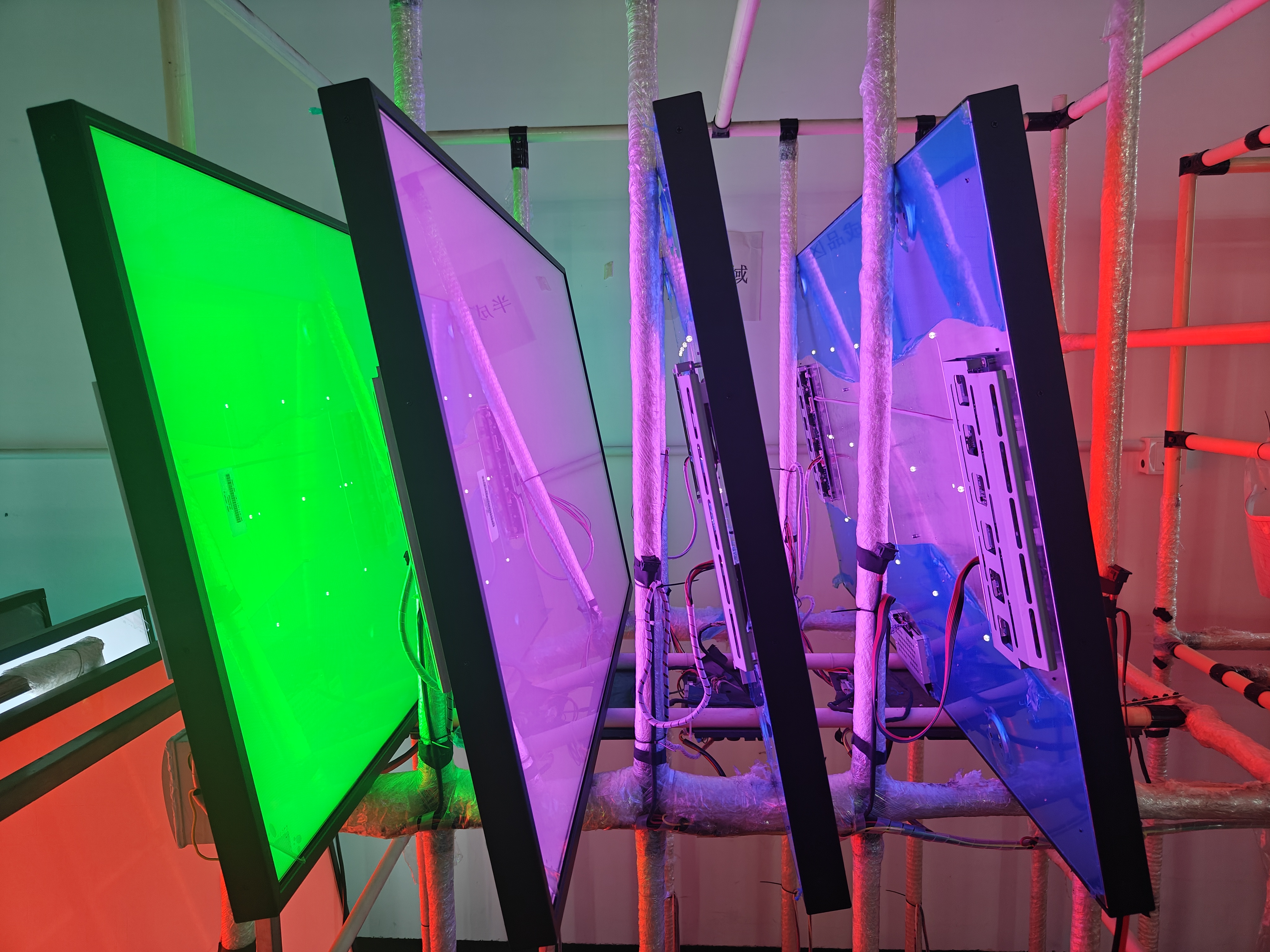
Reasons for Conducting an Aging Test:
1. Quality Assurance:
The primary reason for subjecting LCD displays to
an aging test is to ensure quality assurance. These tests are performed to
identify any potential defects, weaknesses, or malfunctions that may arise over
time. By simulating the display's usage for an extended period, manufacturers
can detect issues that might otherwise go unnoticed during initial inspection.
This process helps in delivering a product that meets the highest standards of
quality and reliability.
2. Stability Assessment:
LCD displays consist of various components,
including the liquid crystals, backlight, polarizers, and control circuitry.
Each of these elements can be affected by factors such as temperature,
humidity, and voltage fluctuations. An aging test allows manufacturers to
assess the stability of these components under different conditions, ensuring
they can withstand the rigors of real-world usage. It helps in identifying any
potential weaknesses or vulnerabilities that could cause the display to fail
prematurely.
3. Performance Evaluation:
The aging test also serves as a means to evaluate
the performance of the LCD display. It allows manufacturers to measure and
analyze parameters such as color accuracy, contrast ratio, brightness
uniformity, response time, and viewing angles. By subjecting the display to
prolonged usage, manufacturers can assess its ability to maintain consistent
performance over time. This evaluation helps in delivering displays that
provide an optimal visual experience to the end-users.
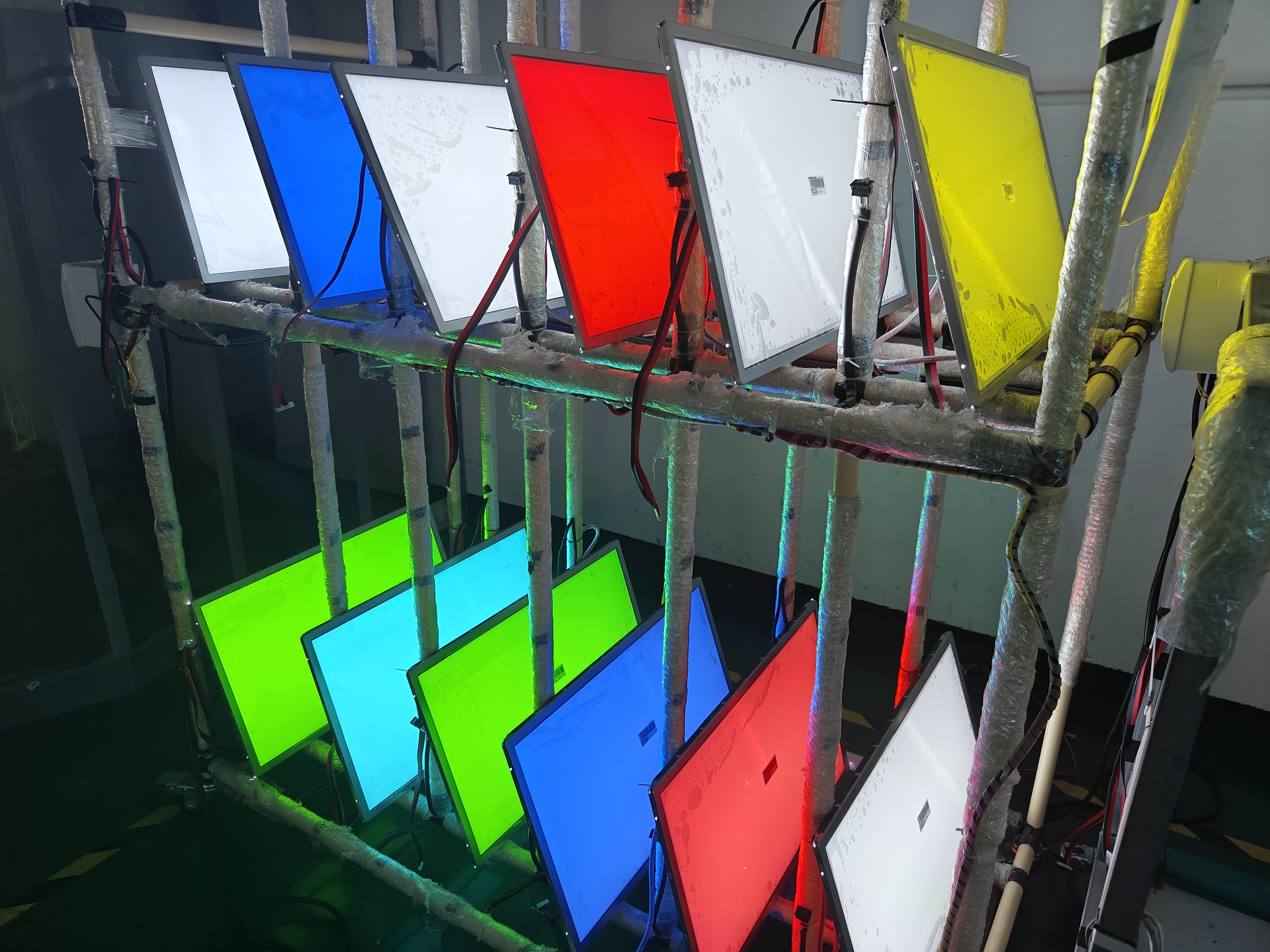
Aging Test Procedure and its Impact on the LCD
Display:
The aging test typically involves subjecting the
LCD display to continuous operation for an extended period, often ranging from
several hours to several days. The display is connected to a test system that
generates various patterns, colors, and images to simulate real-world usage
scenarios. The test system monitors and records the display's performance
parameters throughout the aging process.
Contrary to popular belief, the aging test itself
does not damage the LCD display. The test is designed to mimic the normal usage
conditions that the display will encounter during its lifespan. Manufacturers
take precautions to ensure that the test environment, including temperature,
humidity, and voltage levels, remains within safe limits. The purpose is to
identify any potential issues that may arise during regular usage, not to cause
damage.
The aging test primarily affects the display's
backlight, which is responsible for illuminating the liquid crystals and
producing the images we see. Backlights typically consist of light-emitting
diodes (LEDs) or cold cathode fluorescent lamps (CCFLs). These light sources
degrade over time, resulting in reduced brightness, color shifts, or even
complete failure. By subjecting the backlight to continuous operation during
the aging test, manufacturers can identify any potential backlight-related
issues and ensure its longevity.
Despite Passing the Aging Test, Why Do Some
Displays Fail?
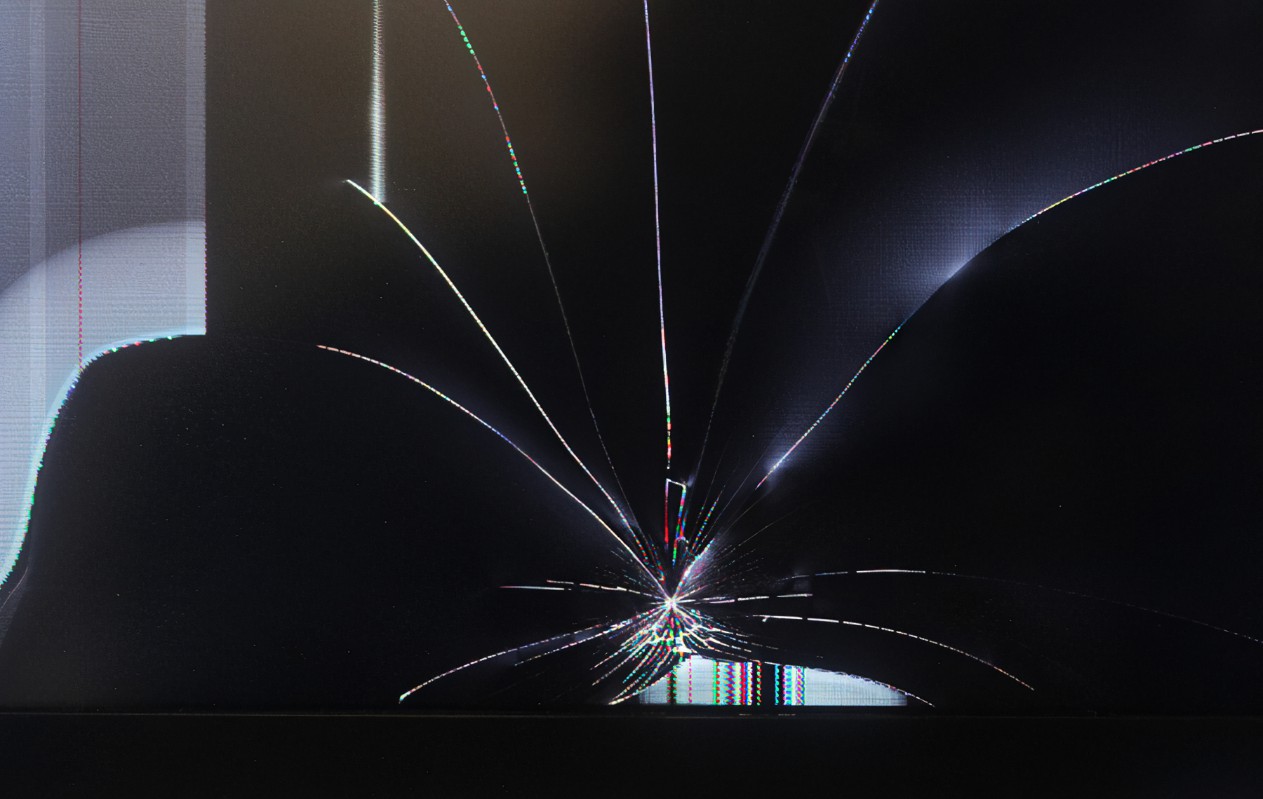
While the aging test is a crucial step in ensuring
the quality and reliability of LCD displays, there may still be cases where
displays fail despite passing this test. Several factors can contribute to such
failures:
1. Manufacturing Defects:
Although the aging test helps identify most
manufacturing defects, it is not foolproof. Some defects may go undetected
during the test due to their intermittent nature or the limitations of the test
setup. These defects may manifest only after prolonged usage or under specific
conditions, leading to display failures.
2. Handling and Transportation:
LCD displays are delicate and sensitive devices.
Mishandling during transportation or improper installation can cause damage
that may not be immediately apparent. While the aging test ensures the
display's functionality before leaving the factory, external factors beyond the
manufacturer's control can impact its performance during transit or
installation.
3. Environmental Factors:
LCD displays are susceptible to environmental
factors such as temperature, humidity, and exposure to sunlight. Although the
aging test simulates usage conditions, it cannot account for all possible
environmental variations that the display might encounter once it reaches the
end-user. Extreme temperatures, high humidity, or prolonged exposure to direct
sunlight can degrade the performance and longevity of the display, leading to
failures.
4. User Misuse or Negligence:
In some cases, displays may fail due to user
misuse or negligence. Rough handling, improper cleaning methods, or exposure to
liquids can damage the display, regardless of passing the aging test. It is
essential for users to follow the manufacturer's guidelines for proper usage
and maintenance to ensure the display's longevity.
Conclusion:
The aging test plays a vital role in ensuring the
quality, reliability, and longevity of LCD displays. By subjecting the displays
to extended usage under controlled conditions, manufacturers can identify
potential defects, assess stability, and evaluate performance. Contrary to
misconceptions, the aging test itself does not damage the displays. However,
despite passing the aging test, there can still be cases where displays fail
due to manufacturing defects, mishandling during transportation or installation,
environmental factors, or user misuse. It is crucial for manufacturers and
end-users to understand these factors and take necessary precautions to ensure
the optimal performance and longevity of LCD displays.